Your proposal will appear here.
Add your client’s brief and choose a format to get started. You can review and edit every paragraph.
Turn their brief into a proposal with your experience,
your rates, and your voice.
Paste a job post, project brief, or client email.
3 free proposals. No card needed.
Add your client’s brief and choose a format to get started. You can review and edit every paragraph.
ChatGPT starts from a blank conversation. ProposalForge starts from your work, your rate, and the way you write.
“I am excited to help you elevate your online presence with a seamless, tailored solution.”
Plenty of adjectives. Nothing about the project.“Your architecture should get the attention, not a gallery that struggles on a phone.”
A specific problem. A reason to keep reading.Illustrative writing comparison using the sample architecture brief.
Save relevant projects once. Bring the right example into each new proposal.
Flag unsupported numbers and missing details. Review every claim before you send.
Start from your rate and estimated scope, with assumptions you can check.
ChatGPT wrote it? Make it sound like you before the client sees it.
Paste a pitch, proposal, or reply. Review the rewrite, see exactly what changed, and keep the final word.
I leverage cutting-edge tools to deliver seamless, tailored solutions. I’d start by reviewing your current pages and identifying where the navigation gets in the way.
Paste the job post or client’s email. Pick a short reply or a full proposal.
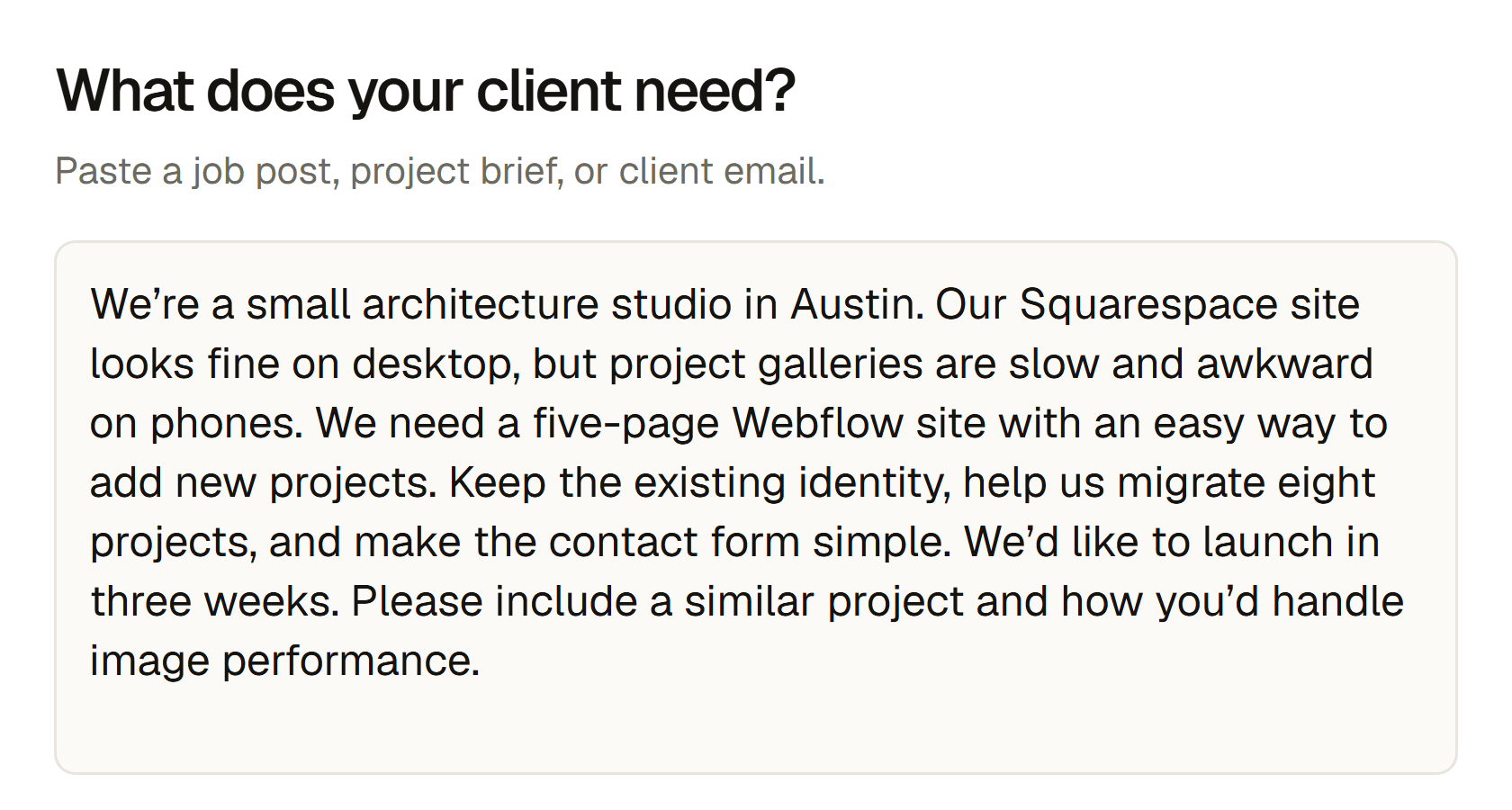
Add your experience and rate. Edit any section directly on the page.
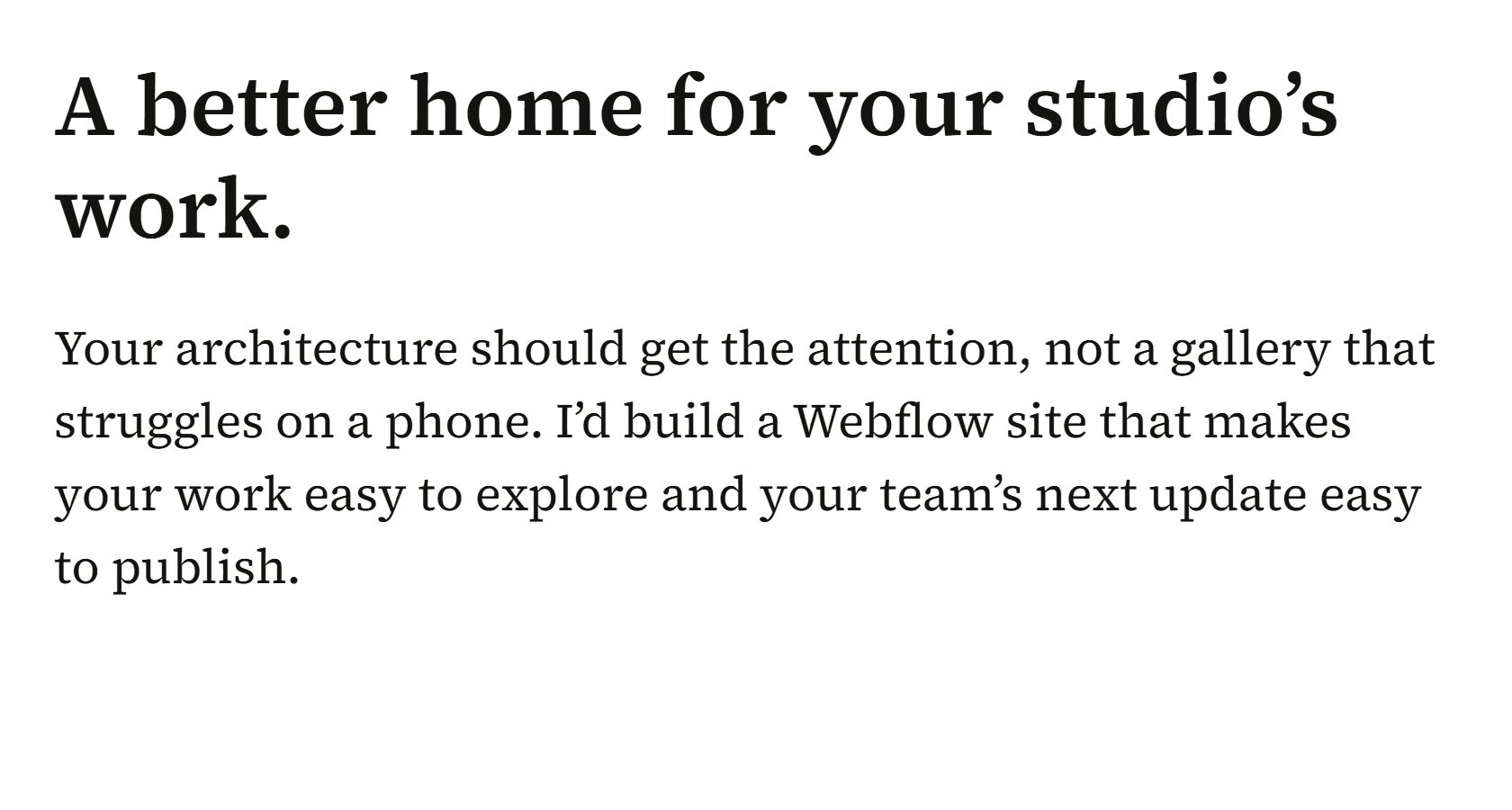
Review the open questions, then copy your proposal or save it as a PDF.
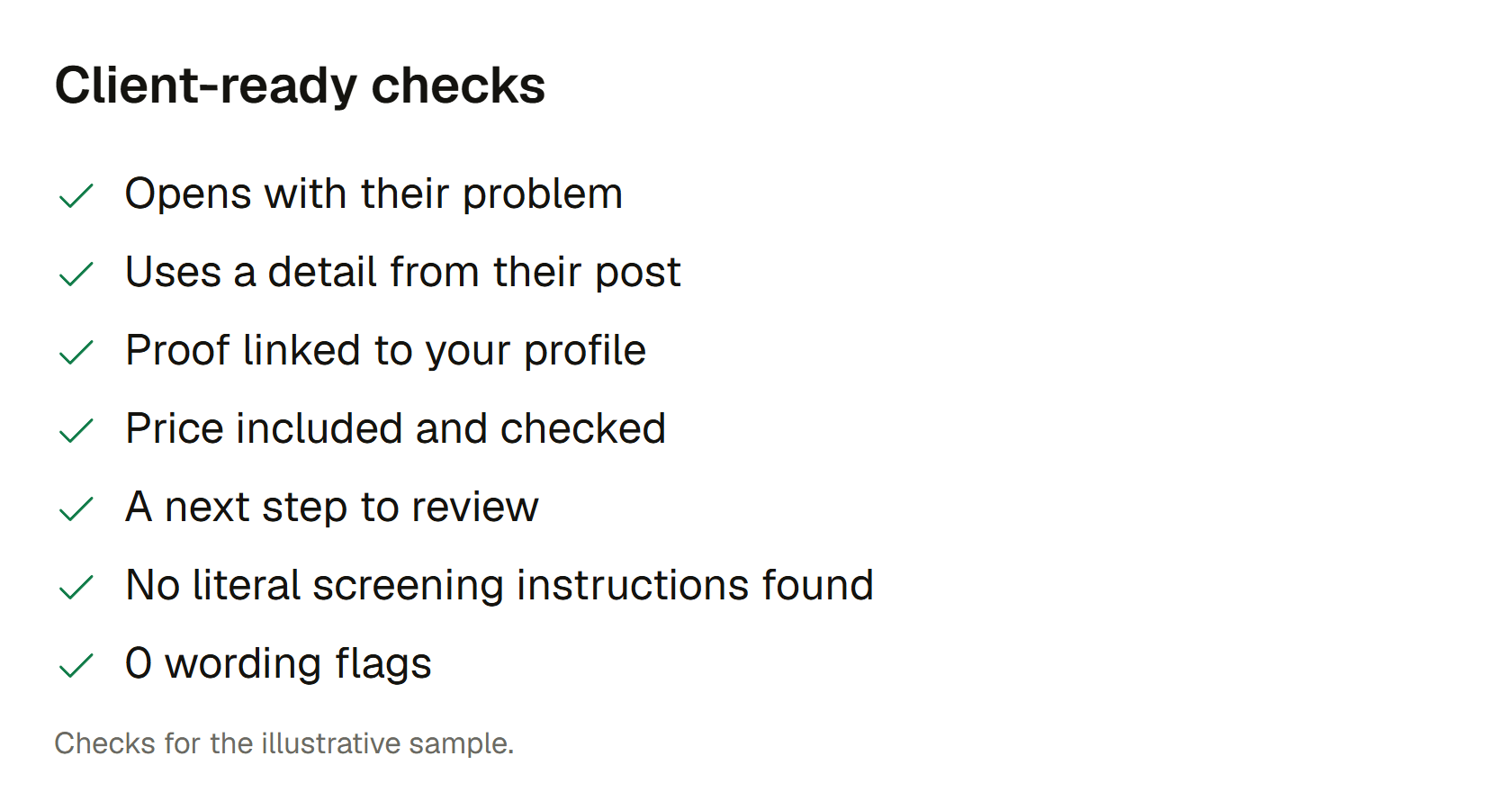
Try the complete workflow for free.
Upgrade when it earns a place in your day.
Email hey@shaidt.com within 14 days of a charge for a full refund.
Room to find your voice.
For a steady handful of pitches.
For the pitches that keep coming.
Yes. Start with the example brief already filled in, or paste your own. Sign in to generate a real draft using your three free proposals. No card needed. The result stays empty until you run it.
It is instructed to use only the facts you provide. Checks flag unsupported numbers and missing details, but AI can still make mistakes. Read every claim before sending.
No. Profile setup is optional. A relevant project and your rate make the output more useful, and you can add them later. Missing facts should become placeholders, not invented achievements.
You can copy the quick reply into a proposal box. Full proposals are designed for direct client conversations, where you want to explain scope, pricing, and terms. Check the platform’s current rules before sending.
Signed-in drafts are stored in your account and can be edited or deleted. Input entered before sign-in is saved in this browser so you can pick up where you left off. Clear it on a shared device.
A successfully completed generation uses one proposal or fix credit. Section regeneration uses the corresponding credit. Failed, interrupted, or blocked results do not use a credit. Paid allowances reset for each confirmed billing month.